

x mark next to them.
Mentioning Files and Folders
From The Chat Window
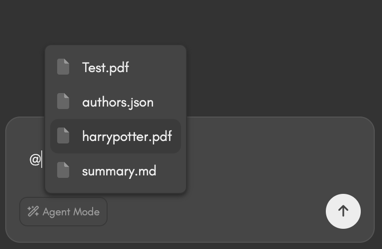
@.
The letter @ will be detected by Dora and display a floater list of files and folders in your current working directory.
Simply click on any of the items listed and they will be added to your chat session as context.
From The Explorer
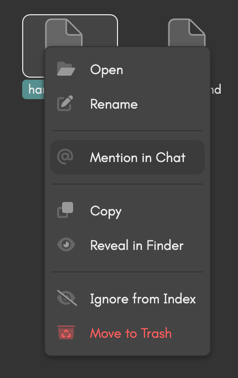
From Model Response
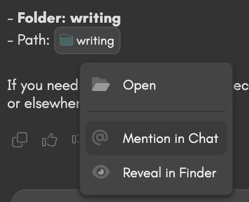
Limitations
All mentioned files and folders will be added to the context window as reference but not all of them will have their content parsed and digested by the model. Size and file type limitations apply, however their path and name will be shared with the model for reference.Parsable File Types
- PDFs
- Code/Text
- Word Docs